Broad format support
Open popular media formats, including MKV, MP4, MOV, WebM, ProRes, and HDR video.

A media player that tells you exactly what's in the file.
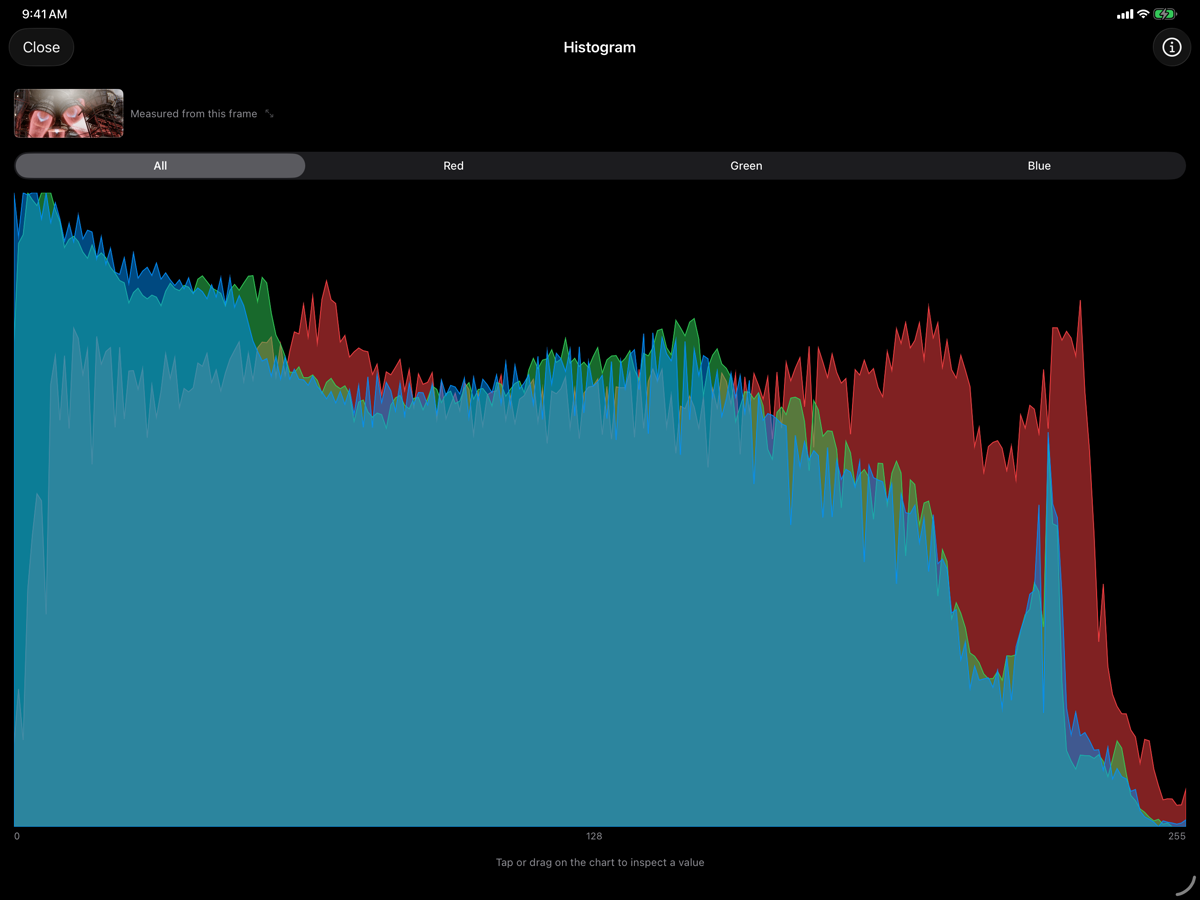
BitLens plays almost anything, including MKV, ProRes, VP9, AV1, and 10-bit HDR: formats the built-in Photos and Files apps refuse to open. While it plays, it shows you what's actually happening to the signal, with waveform, vectorscope, and histogram scopes running live against the decoded frame, not a thumbnail or a snapshot.
It's built for people who need to know what's inside a file, not just watch it: editors checking a delivery before it goes further down the pipeline, engineers debugging a broken encode, anyone who's been burned by a file that "plays fine" until it doesn't.
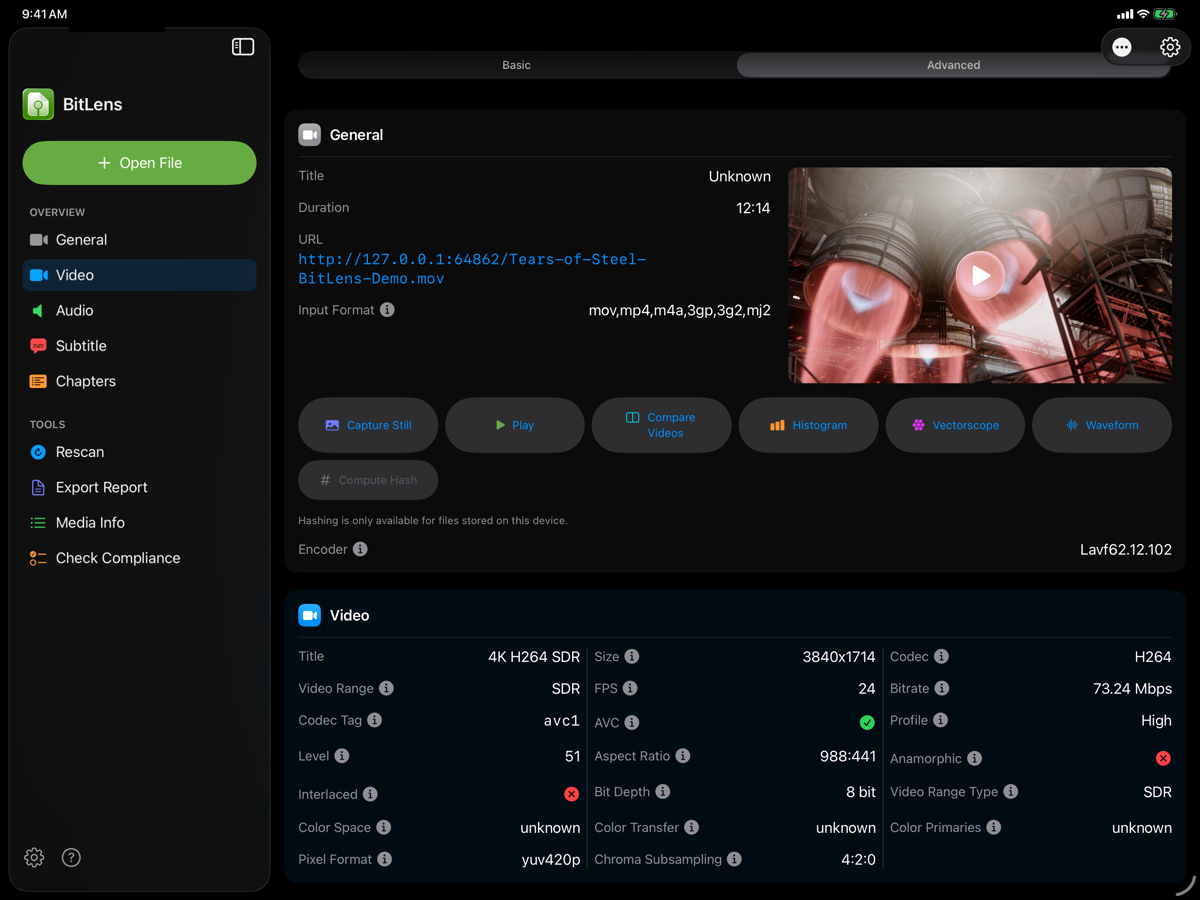
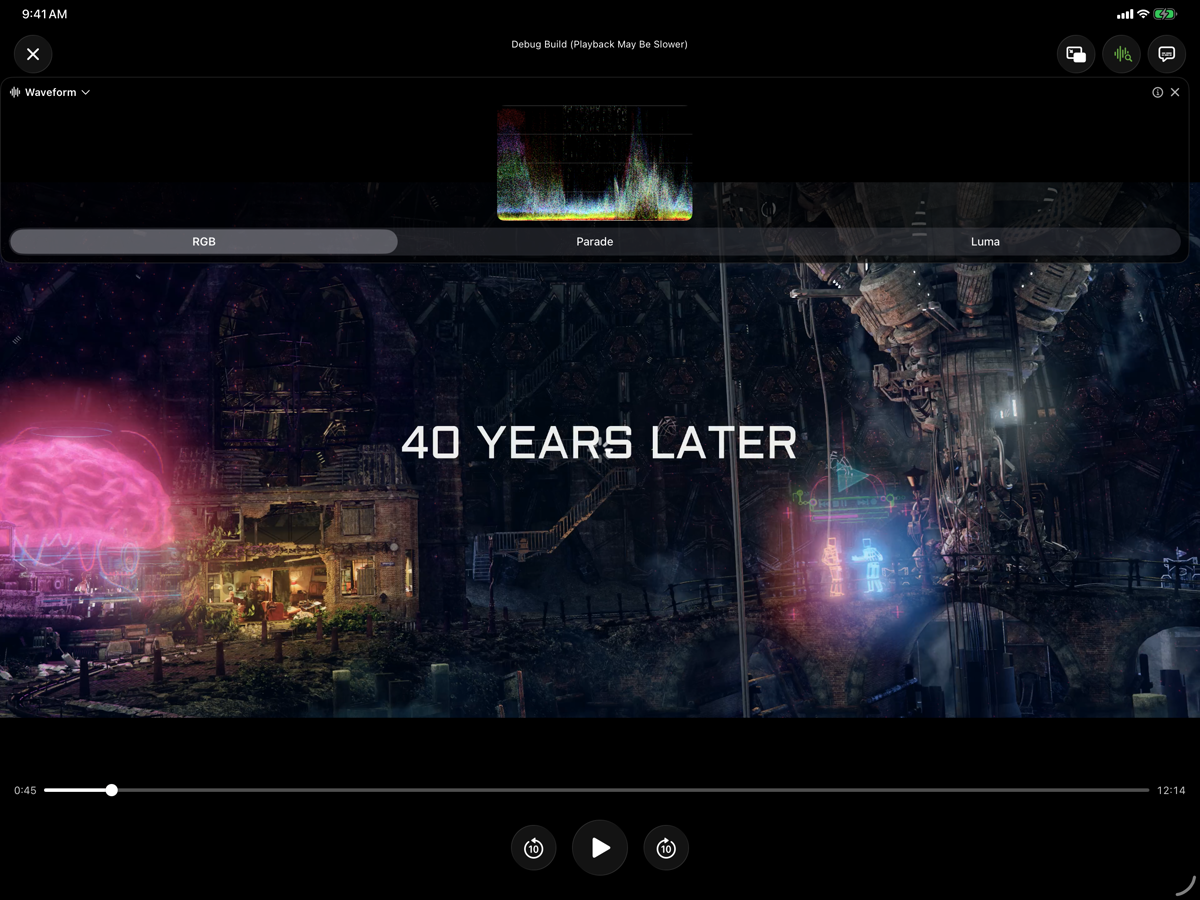
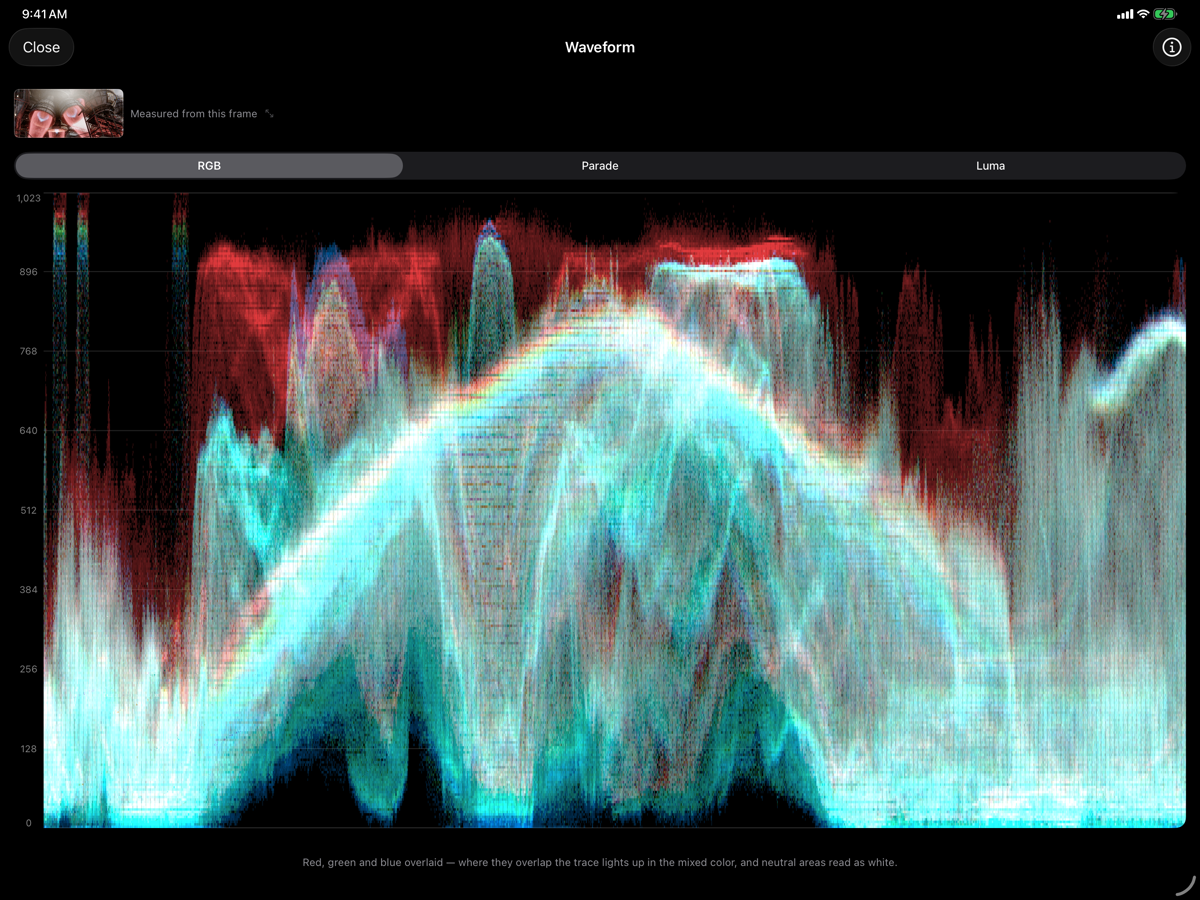
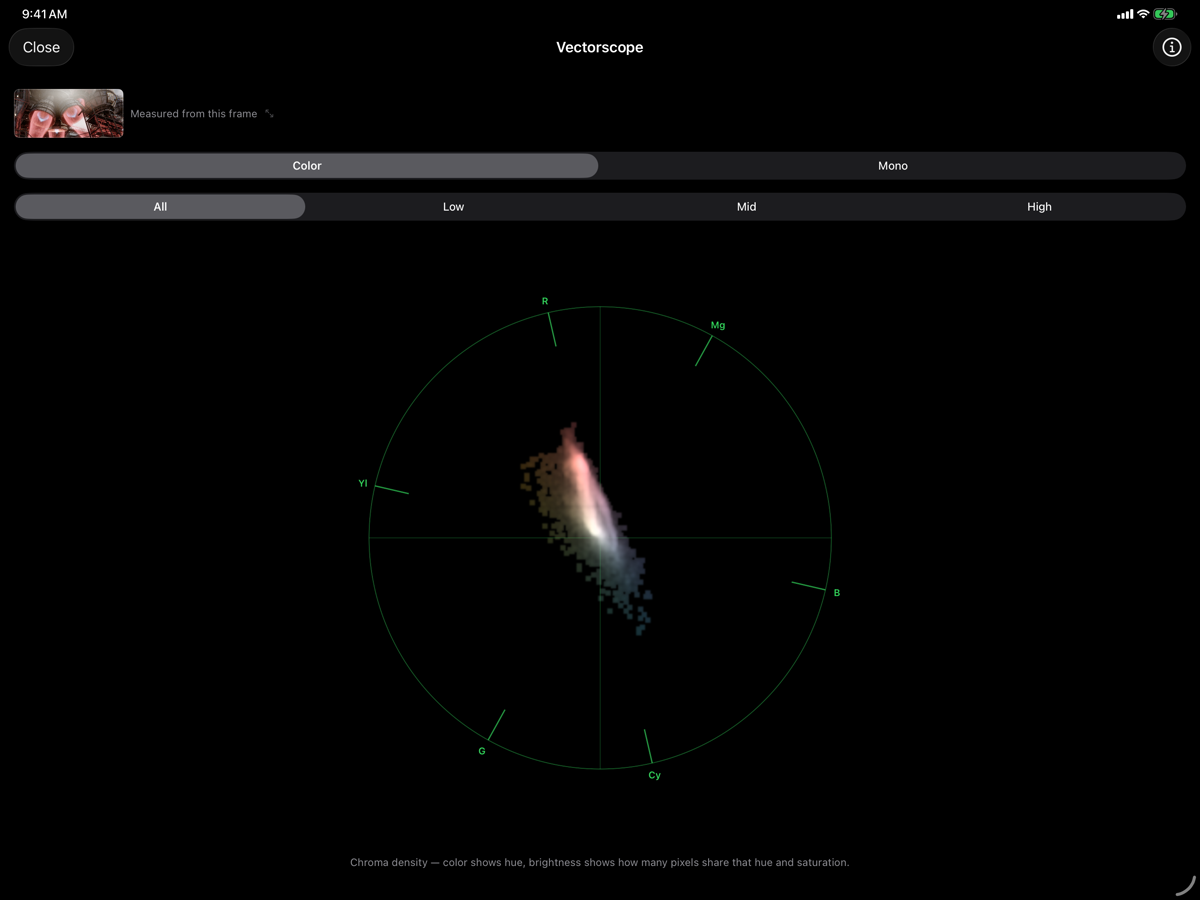
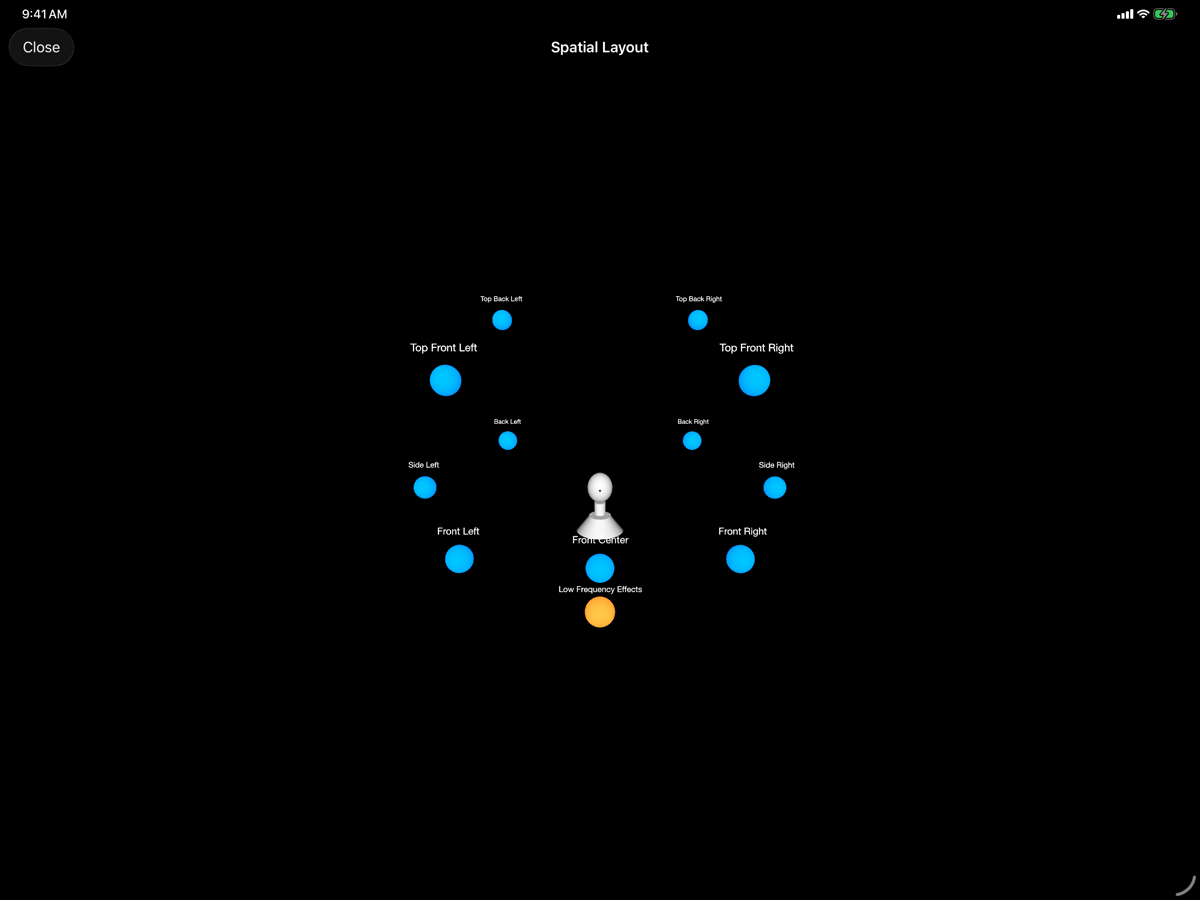
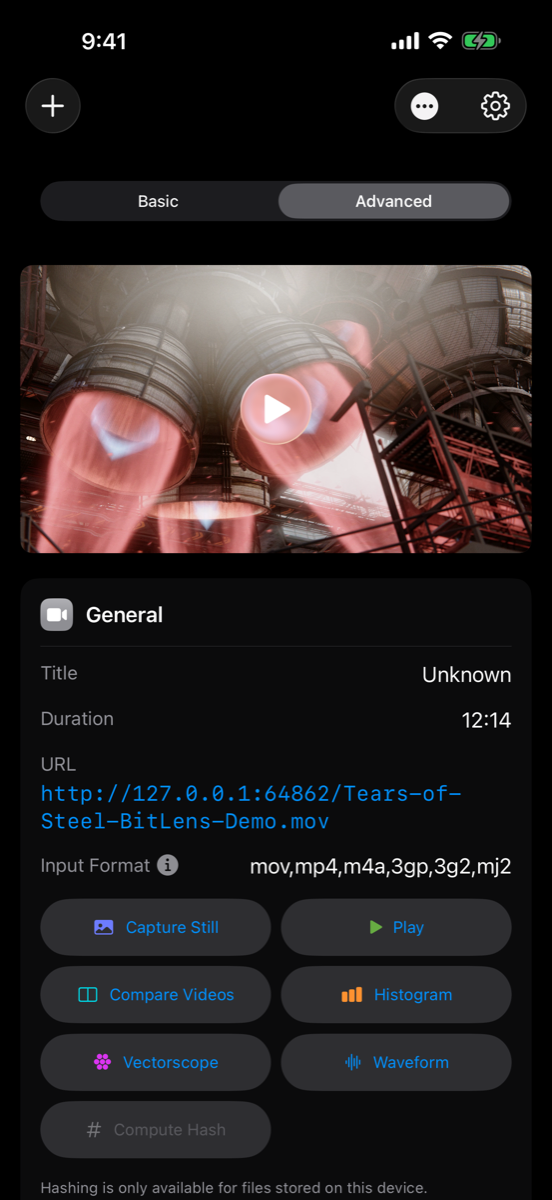
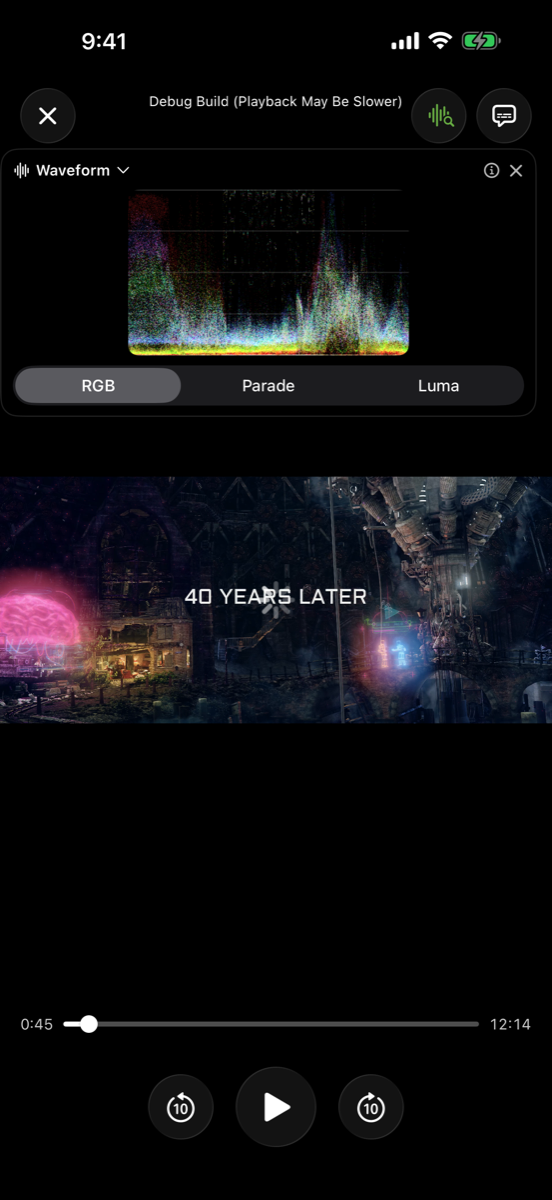
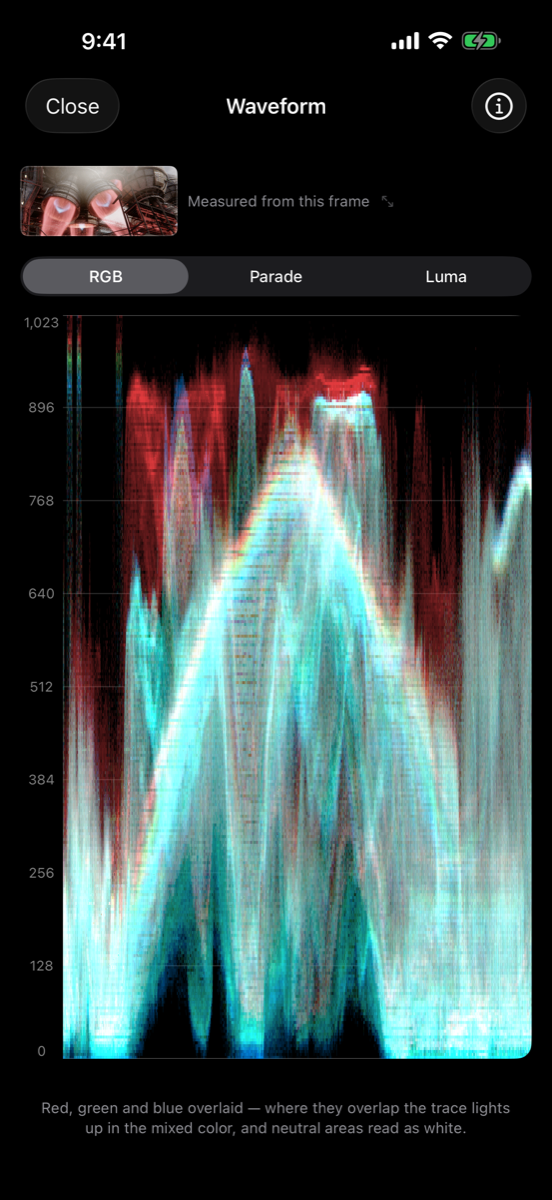
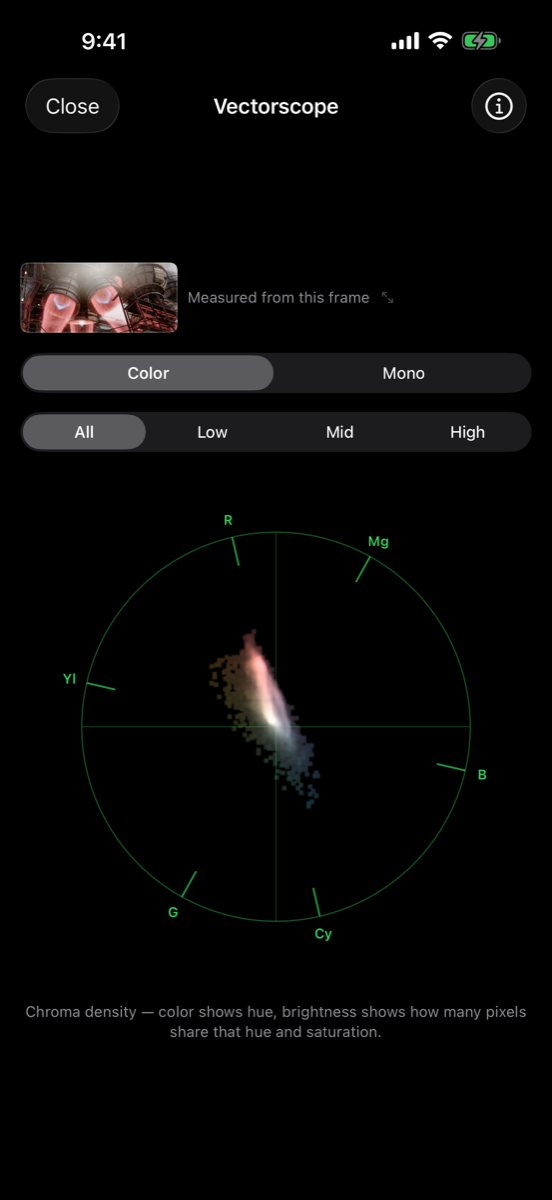
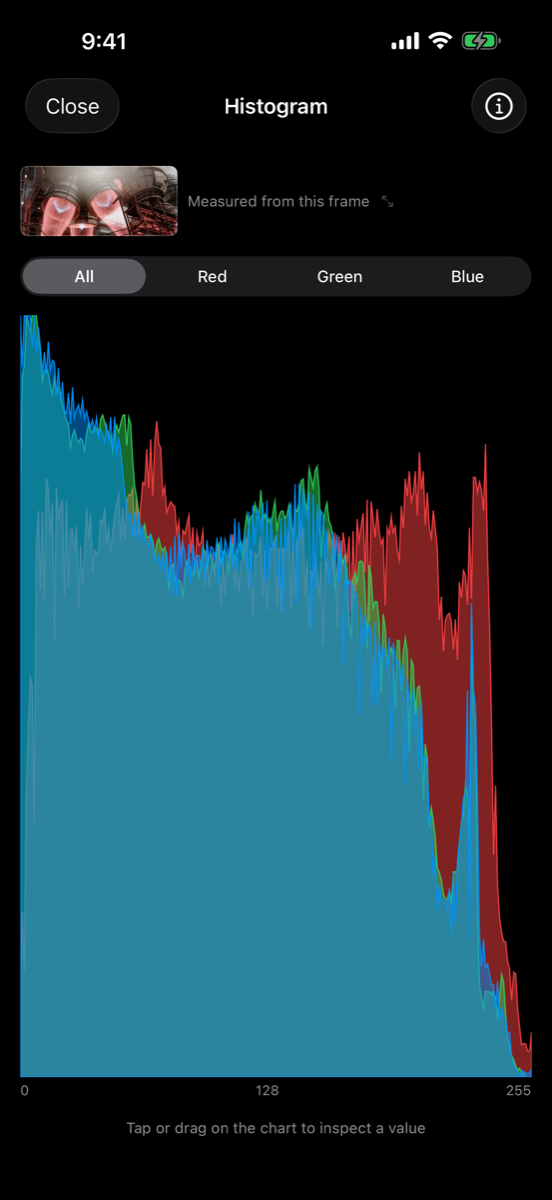
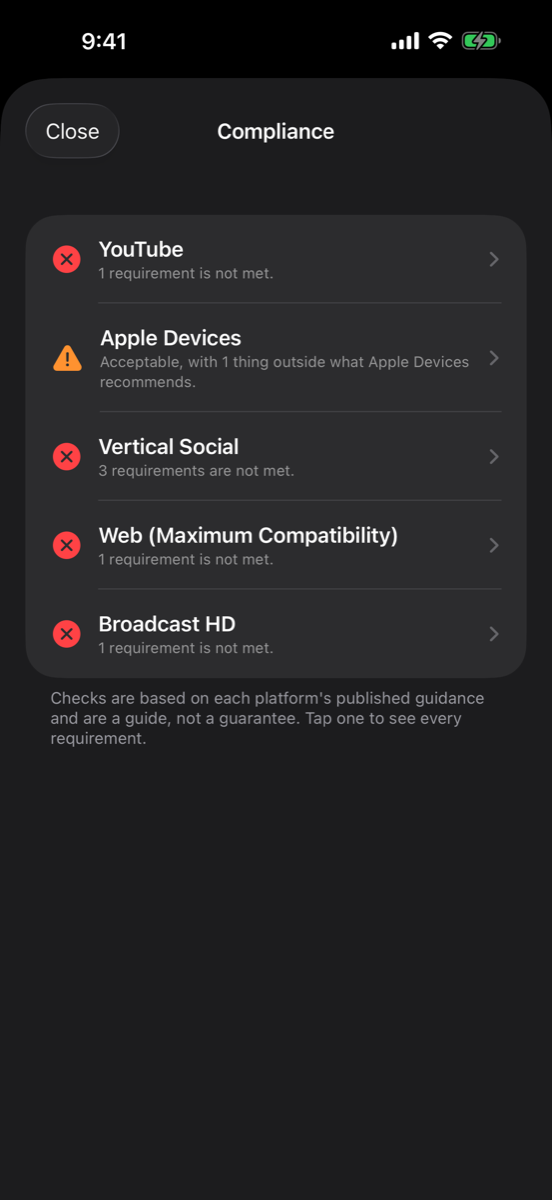
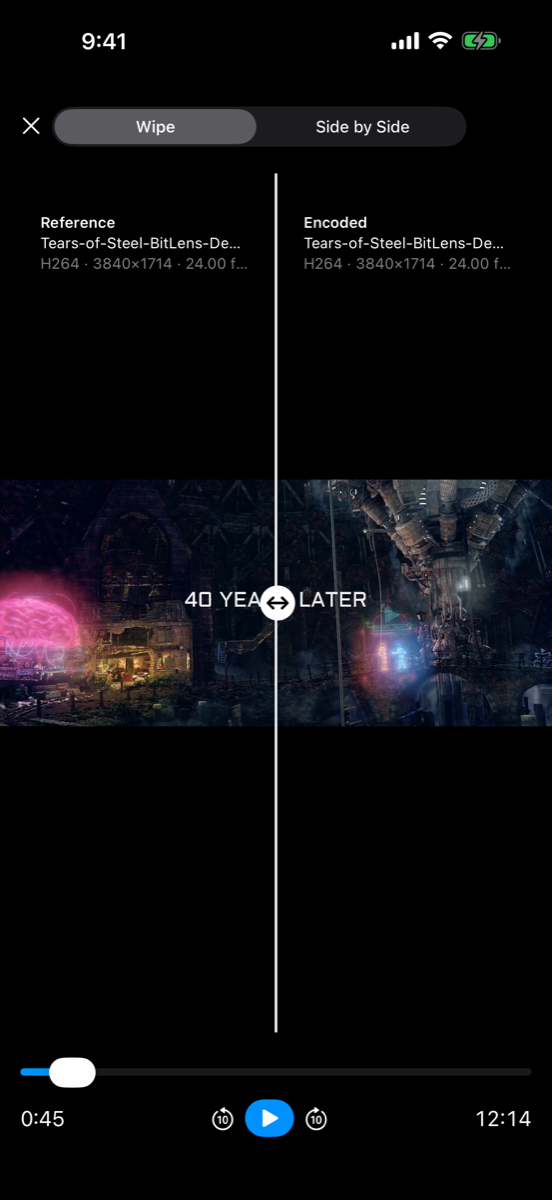
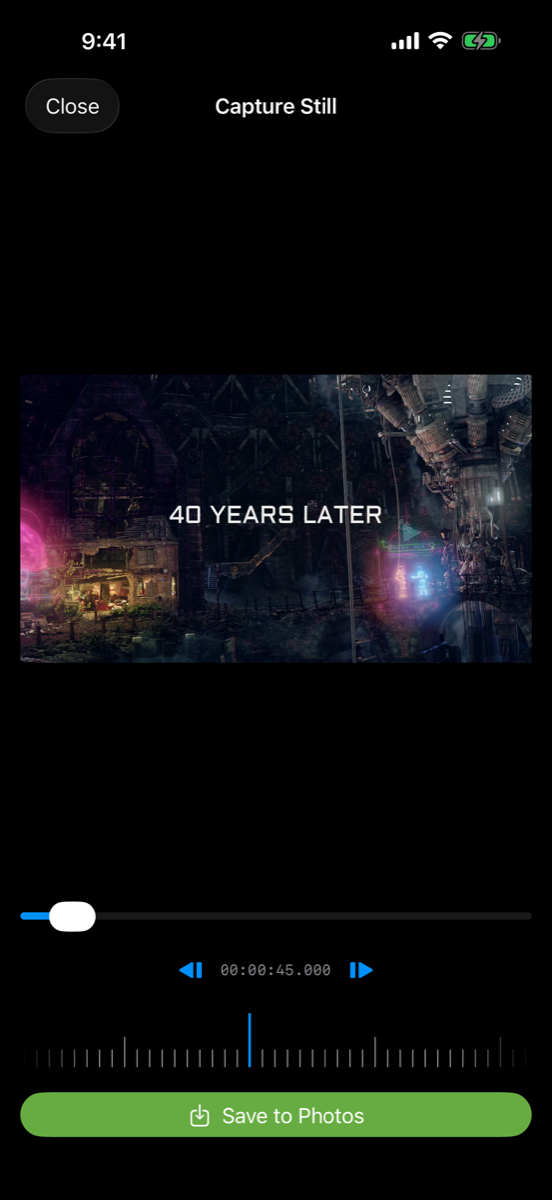
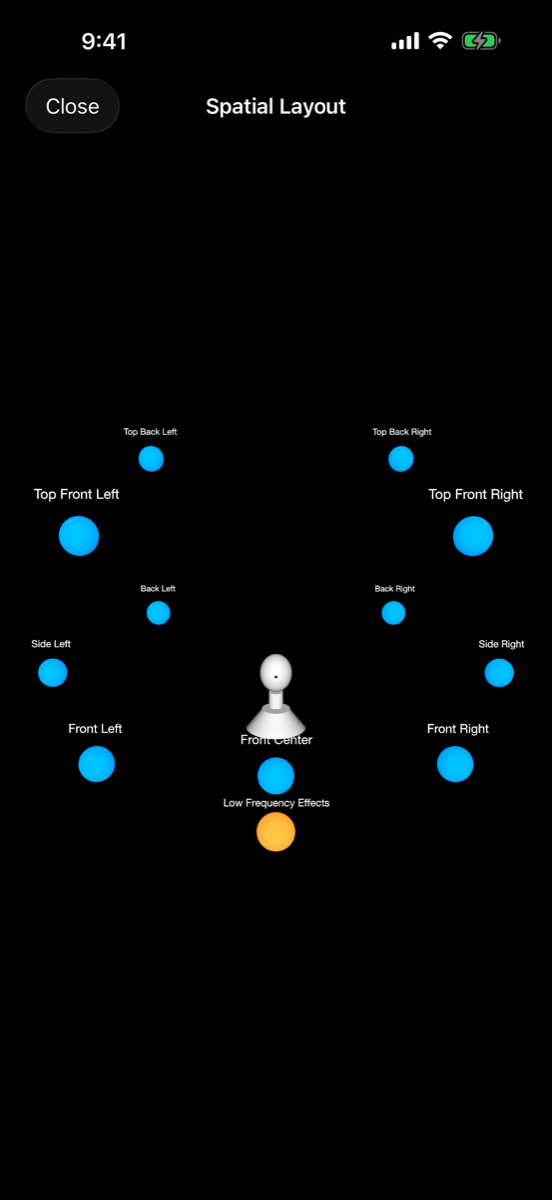
Play a wide range of media formats, with precise seeking and support for surround audio.
Open popular media formats, including MKV, MP4, MOV, WebM, ProRes, and HDR video.
Play formats beyond those supported by the built-in players.
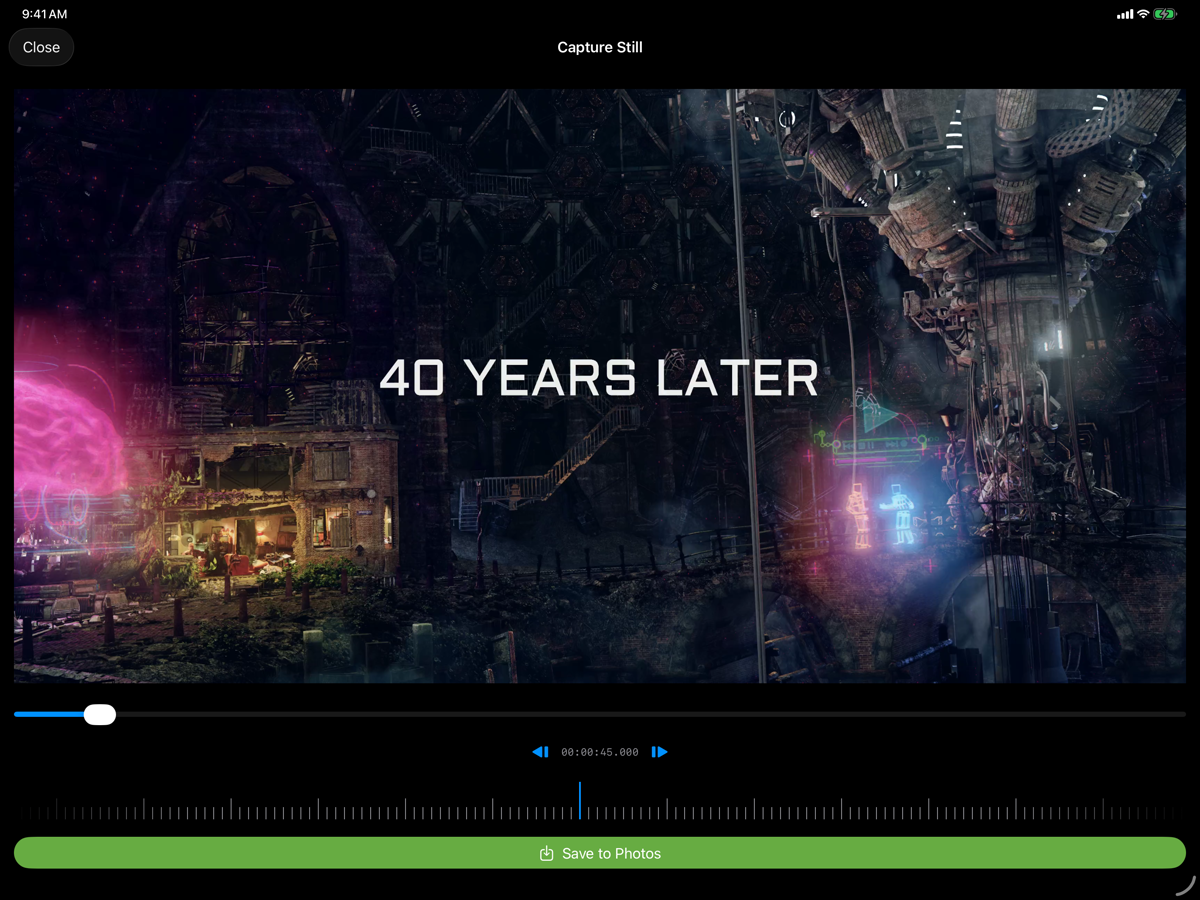
Jump to the exact frame you need when reviewing a video.
Inspect audio tracks and play supported spatial and surround sound formats.
Analyze color and exposure with live scopes that follow your video as you play or scrub. Inspect photos and captured frames with the same tools.
Learn how video scopes work and when to use each one.
Analyze HDR video with scopes designed to show its wider brightness range.
Check signal levels and locate bright and dark areas in the frame.
Inspect color distribution, saturation, and skin-tone references.
See how brightness and color are distributed, with clear indicators for clipped shadows and highlights.
See where your image's colors fall within its color space.
Highlight sharp edges to check focus while playing or scrubbing.
Highlight bright areas to help you spot potential overexposure.
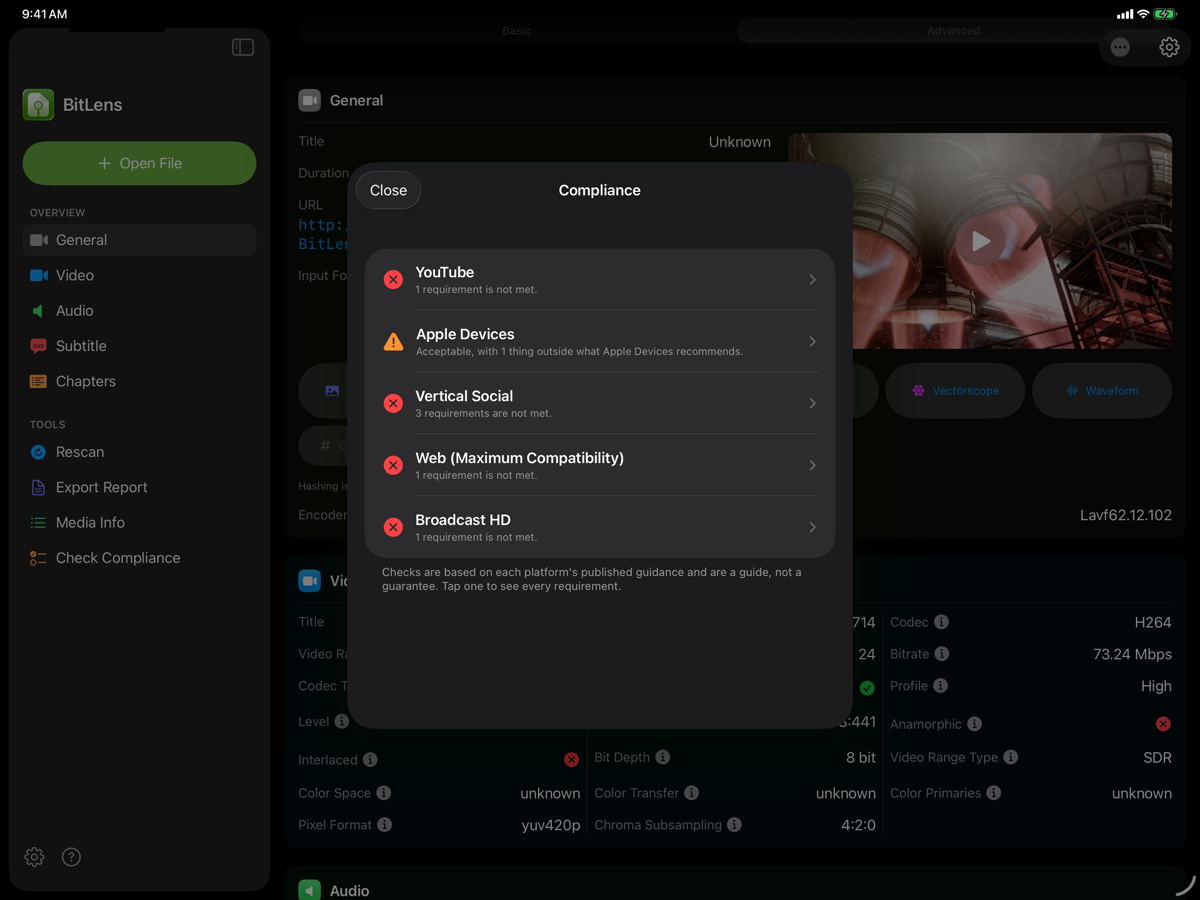
Inspect video, audio, and image details, including format, resolution, frame rate, color, and tracks.
Flags mismatches against the container/codec spec so a "plays fine here, breaks there" file gets diagnosed instead of shrugged at.
Pulls a still directly from the source-resolution decoded frame, not a downscaled player surface.
View and export embedded subtitle tracks, including formats most players only burn in or ignore.
Full EXIF, capture settings, color profile, and GPS for stills, with a one-tap copy that strips identifying metadata on export.
Reads embedded chapter markers and every audio, video, and subtitle track, and exports the chapter list.
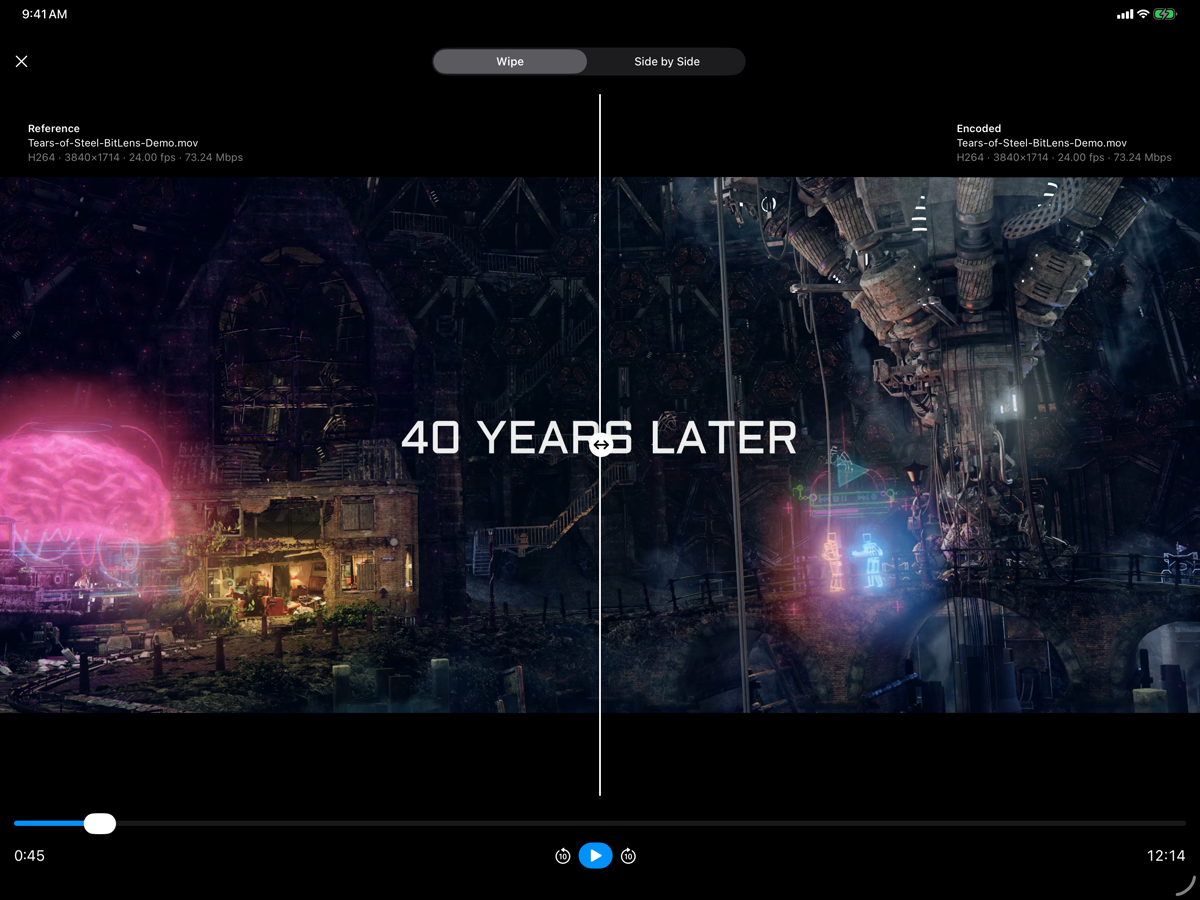
Compare two photos or videos side by side or with a wipe to spot differences between versions.
Find the videos taking up the most space in your Photos library. See your five largest videos for free, or up to 100 with Pro.
Generate checksums for local files to verify that a copy matches the original.
Inspect supported documents and ZIP archives for useful file information, including document details, file sizes, and archive summaries.
Export the full metadata and compliance report, plus scope snapshots, as a shareable file.
A representative sample; most standard containers, codecs, and pixel formats are supported.
Opening files, playback, and basic metadata are free. Pro is a one-time purchase, not a subscription, and unlocks everything below.
Core playback is free.
Pro unlocks live scopes, full-resolution stills, spec reports, and every export as a one-time purchase.
